How to Open Your Be U Account: Step-by-Step Guide
November 14, 2025
November 14, 2025

Opening a bank account used to mean waiting in long lines and filling out a stack of paperwork. Now with existence of digital technology, more Malaysians are choosing to open their bank accounts online because of its convenience.
Driven by changing lifestyles and improved digital services, here’s why Malaysians are banking online:
Opening a new bank account can sometimes feel overwhelming, but with Be U by Bank Islam, it's designed to be convenient and entirely digital. This guide will walk you through the process, ensuring you can set up your Shariah-compliant digital banking experience
Be U by Bank Islam is a fully digital banking platform designed for modern, tech-savvy users seeking a Shariah-compliant financial experience. It offers a range of features, including savings, spending, and financial management tools, all accessible through your phone. It operates under the principles of Islamic finance, ensuring all transactions and services are Shariah-compliant.
As a digital bank, Be U is here to make your banking experience convenient, while offering plenty of benefits — find out more about them here
To ensure a smooth Be U account opening process, have the following ready:

Follow these steps to get your Be U account up and running:
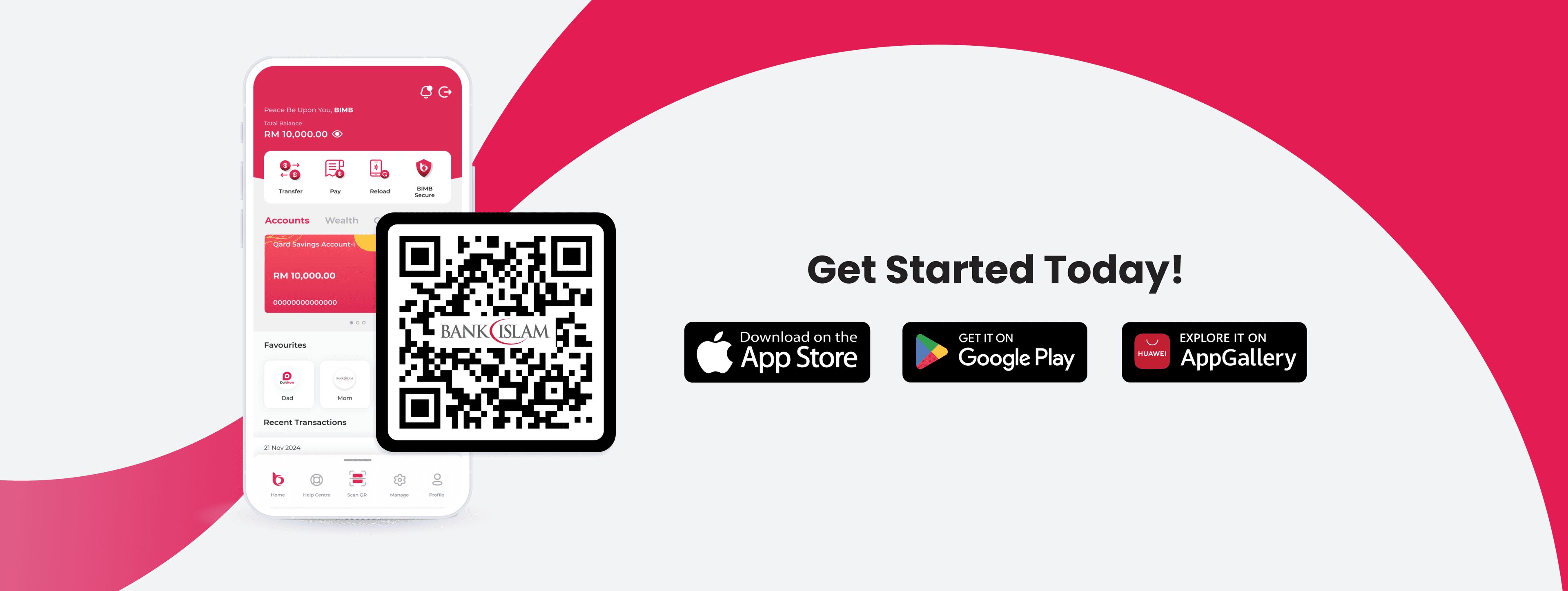
Step 1: Download the Be U App

Step 2: Start the Registration Process

Step 3: Enter Your Email Address

Step 4: Enter Your Mobile Number

Step 5: Set Up Your Security Details

Step 6: Scan Your MyKad (after you choose Bank product)

Step 7: Perform Facial Verification

Step 8: Review and Confirm Your Details

Step 9: Status of Identity Verification
How to Log In to the Be U App (After Logging Out)
Logging back into your Be U account is designed to be much faster than the initial setup, leveraging your personal security credentials. You have two main options:
Option A: Quick Biometric Access
If you enabled this feature during your initial setup (Step 5), it’s the quickest way to log in:
Open the Be U and the app will automatically prompt Face ID to scan your face. You will be logged into your account instantly.
Option B: Using Your Passcode
If your phone doesn't support biometrics, or if you prefer manual login:
Open the Be U app and input the 6-digit passcode you created during the registration process (Step 5).
Q: Can I access Be U when travelling overseas?
A: Yes, as long as you have access to stable internet connection.
Q: What should I do if I forgot my passcode?
A: Please follow the steps below to reset your passcode:
1) Tap 'Forgot Passcode' on the login screen.
2) Confirm the request to reset passcode in the dialog box.
3) Enter the unique OTP sent to your phone number.
4) Enter the unique OTP sent to your verified email.
5) Enter and confirm your new passcode.
Q: Do I need to visit a Bank Islam branch to open the account?
A: No, the entire Be U account opening process is fully digital and can be completed through the mobile app without visiting a physical branch.
Q: Is Be U by Bank Islam safe and my data will not be compromised?
A: Be U is equipped with adequate security functions such as:
Hopefully this information can help you to start your digital banking journey with Be U and managing your finances the Shariah-compliant way!
Disclaimer: The information presented above is for educational and informational purposes only and it should not be considered as personalized financial planning services. It is not intended as financial, legal, accounting, tax, or any other advisory guidance. Prior to making any financial or other decisions, you must obtain your own independent advice tailored to your individual circumstances.
As part of your decision-making process, you are advised to read the applicable Terms and Conditions (T&C), Product Disclosure Statement (PDS) and Frequently Asked Questions (FAQ) to make informed decisions before subscribing and/or participating in any Be U products.