Be U to BIMB Mobile
Your Next Banking Experience Starts Here
Be U is evolving into a more connected banking experience with Bank Islam through BIMB Mobile. Start preparing early for a smooth transition.

Growing Into What’s Next
Be U has been part of your journey - helping you save, spend, and manage your finances along the way.
ㅤ
Now, we’re taking the next step 🩷
ㅤ
You can continue your banking experience with Bank Islam through BIMB Mobile - with more features, greater convenience, and a more connected digital experience.
ㅤ
We look forward to supporting you in what’s ahead.

Moving forward with you!
Be U will continue to be available until 31 July 2026, giving you ample time to prepare for the transition. As part of this next chapter, you can continue your banking journey seamlessly with Bank Islam through BIMB Mobile.
ㅤ
Starting 1 August 2026, you can enjoy your banking experience on the Bank Islam app (BIMB Mobile) - designed to provide greater ease, accessibility, and control.
ㅤ
We will guide you every step of the way to ensure a simple and seamless move.

What’s Coming Next
As part of our continuous digital evolution, you can look forward to an enhanced banking experience with Bank Islam through BIMB Mobile. Bringing greater convenience, connectivity, and flexibility.
ㅤ
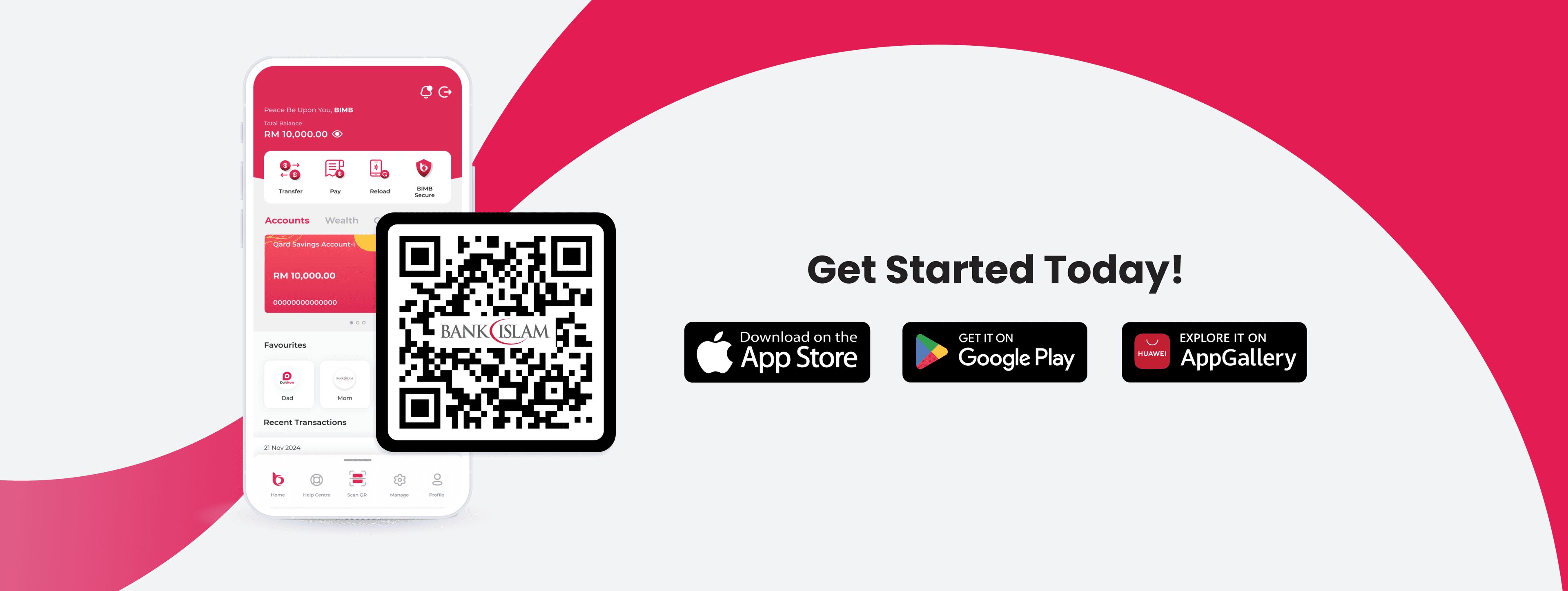
Get started anytime by downloading BIMB Mobile and enjoy a seamless experience as you manage and move your funds with ease.

For Be U Qard Savings Account-i / Awfar customers with BIMB Mobile
Getting started is easy
ㅤ
- Initiate account closure via Be U app
- Transfer your funds to your Bank Islam account.

Things to Take Note Before 31 July 2026
Debit Card-i
- Your Be U Visa Debit Card-i will no longer be active after 31 July 2026. We recommend unlinking it from any connected services or subscriptions beforehand.
ㅤ
Recurring Payments
- Please update or stop any recurring payments linked to your Be U account before 31 July 2026.
ㅤ
Bank Statements
- Download your statements from the Be U app before 31 July 2026 to keep them handy for future reference.
ㅤ
To ensure a seamless experience, we encourage you to begin preparing early and take the necessary steps to continue your banking with Bank Islam. Thank you for banking with us, we look forward to continuing this journey together.
We're Here to Support You Every Step of the Way
Your experience matters to us. If you need any assistance during the Be U transition, you may reach out to our support channels based on the timeline below.
Until 30 September 2026, both Be U Community Support and Bank Islam Customer Care will be available to assist you. You can contact Be U Community Support at 03-2779 0088 or email beu.communitysupport@bankislam.com.my. Alternatively, you may also reach Bank Islam Customer Care at 03-2690 0900 or email contactcenter@bankislam.com.my.
From 1 October 2026 onwards, support will be handled solely by Bank Islam Customer Care at 03-2690 0900 or contactcenter@bankislam.com.my.

Customers are advised to read and understand the Terms and Conditions available at our website www.bankislam.com before agreeing to subscribe for any product or services and/or participating in any of our campaigns and promotions.

Copyright © Be U by Bank Islam
Bank Islam Malaysia Berhad. 198301002944 (98127-X)
All right reserved