Be U Awfar
Move your balance securely before 31 July 2026
Be U services will no longer be available after 31 July 2026. To continue banking smoothly, please close your Be U Awfar account through the Be U app and transfer your remaining balance to your Bank Islam account. Your money remains safe, and your profit and final draw eligibility will follow the stated transition timeline. You can continue using your Be U account as usual until 31 July 2026.

Be U Awfar is transitioning to support your next banking journey
We’re bringing your banking experience closer together through BIMB Mobile, so you can continue accessing Bank Islam’s digital banking services from one main app.
Before Be U services end on 31 July 2026, please review your Awfar balance, take note of the profit and final draw timeline, and complete your self-account closure through the Be U app.
Important dates to know
Remarks: Any hibah, if granted, is at the Bank’s discretion.

Close your Be U Awfar account securely through the Be U app
Your Be U Awfar balance will not be automatically moved to BIMB Mobile. To move your funds, please submit a self-account closure request through the Be U app and transfer your remaining balance to your Bank Islam account.


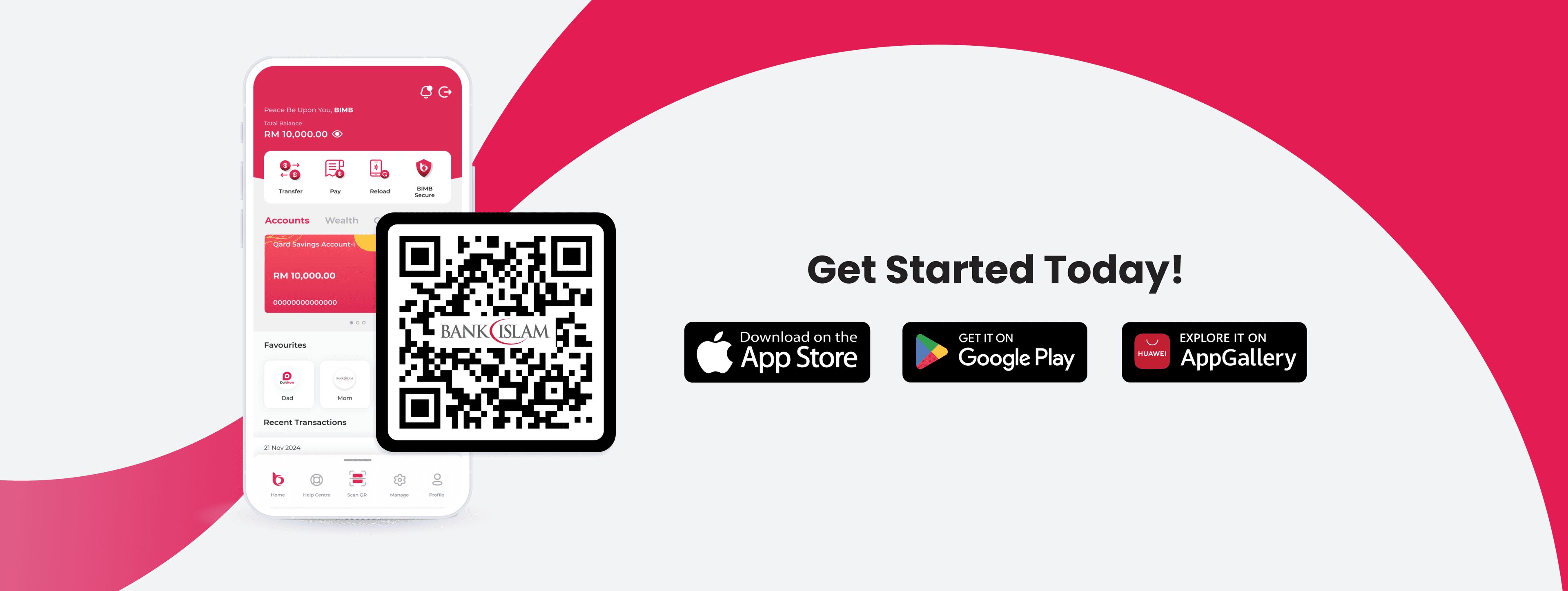
Continue your banking journey with BIMB Mobile
Once your Be U transition is completed, you can continue managing your banking needs through BIMB Mobile, Bank Islam’s main mobile banking app.
BIMB Mobile gives you access to more Bank Islam services in one place, so you can keep banking with ease after Be U services end.

Be U Awfar profit will be paid up to 16 July 2026
Profit for Be U Awfar accounts will be paid up to 16 July 2026 only.
From 17 July 2026 onwards, the Mudarabah arrangement will end. Any balance maintained after this date will be treated as Qard, where no profit will be paid.Any hibah, if granted, is at the Bank’s discretion.
To avoid confusion, we encourage you to review your balance and move your Awfar balance early.

The July 2026 draw will be the final Awfar draw involving Be U accounts
The July 2026 draw will be the final Awfar draw involving Be U accounts.
Eligibility will be based on the average balance maintained between mid-June and mid-July 2026.
Balances maintained on or after 17 July 2026 will not be eligible for the Awfar draw.
Eligibility criteria and cut-off dates will be communicated to customers in advance

Your Nest savings will move into your Be U Awfar account
If you have Nest savings linked to Be U Awfar, they will automatically move into your Be U Awfar account.
Once reflected in your Awfar balance, you can proceed with your self-account closure and transfer your remaining balance to your Bank Islam account.
What happens after 31 July 2026?
If you do not move your Awfar balance before 31 July 2026, your Be U Awfar account will no longer be available for transactions. Your money will remain safeguarded, but your Be U account access and services will be limited after the deadline.

We're Here to Support You Every Step of the Way
Your experience matters to us. If you need any assistance during the Be U transition, you may reach out to our support channels based on the timeline below.
Until 30 September 2026, both Be U Community Support and Bank Islam Customer Care will be available to assist you. You can contact Be U Community Support at 03-2779 0088 or email beu.communitysupport@bankislam.com.my. Alternatively, you may also reach Bank Islam Customer Care at 03-2690 0900 or email contactcenter@bankislam.com.my.
From 1 October 2026 onwards, support will be handled solely by Bank Islam Customer Care at 03-2690 0900 or contactcenter@bankislam.com.my.

Customers are advised to read and understand the Terms and Conditions available at our website www.bankislam.com before agreeing to subscribe for any product or services and/or participating in any of our campaigns and promotions.

Copyright © Be U by Bank Islam
Bank Islam Malaysia Berhad. 198301002944 (98127-X)
All right reserved