Logo BeUBe U By Bank Islam

Products & Services

Navbar Icon

Spend

Spend and transact using multiple ways on Be U

Be U Qard Savings Account-i

Be U Visa Debit Card-i

Payment & Transfer

Navbar Icon

Save

Grow your savings effortlessly with dedicated savings features

Nest

Be U Awfar

Navbar Icon

Earn

Unlock opportunities to boost your income through the app

Gigs

Be U Term Deposit-i

Microtakaful

Be U Personal Financing-i

About Be U

Navbar Icon

About Us

Learn about Be U by Bank Islam's history, our mission and the team behind

Read More

Navbar Icon

In the news

Get the latest news of Be U by Bank Islam’s features and new releases

Read More

Navbar Icon

Blog

Be updated with the latest contents to help you get the best out of Be U by Bank Islam

Read More

FAQ
Campaigns
Download
Download
Logo BeU
Download

Be U Blog

Start Reading

Start Reading

Start Reading

Start Reading

Start Reading

Start Reading

What are you waiting for?

Let's get started!

Join our growing Be U community now!

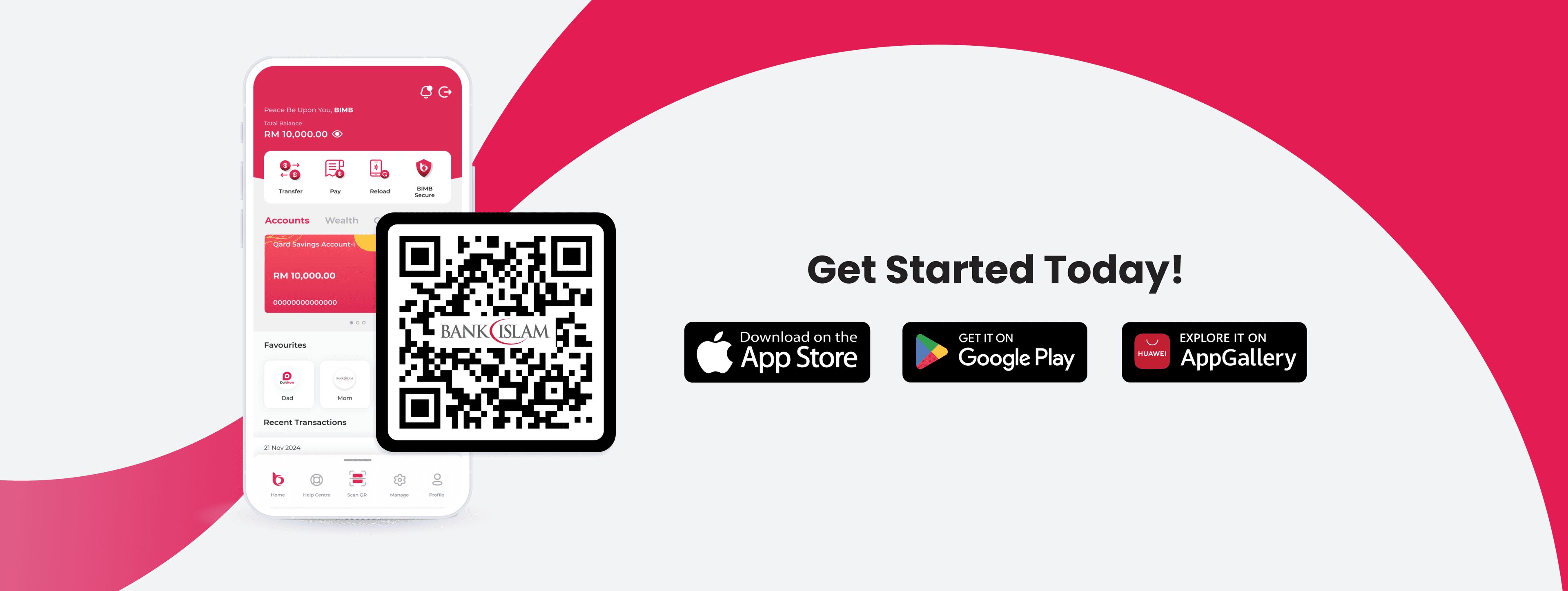
Apple Store LogoGoogle Play Store Logo
Be U Hi Five Character
Logo Bank Islam White

Contact Details

Be U by Bank Islam
Menara Bank Islam
22, Jalan Perak,
50450 Kuala Lumpur

03 2779 0088

beu.communitysupport@bankislam.com.my

Connect with us

Copyright © Be U by Bank Islam

Bank Islam Malaysia Berhad. 198301002944 (98127-X)

All right reserved

System StatusPrivacy PolicyBank Islam Group Privacy NoticeLegal Documents
Logo BNMLogo PIDMLogo MEPSLogo AKPK

Pay Bills with Be U using JomPAY

November 20, 2024


pay-bills-with-be-u-using-jompay_0.jpg

Managing finances has never been simpler with the Be U by Bank Islam app. Now with JomPAY available in the Be U app, you can pay bills effortlessly with just a few taps on your mobile device.

What is JomPAY?

JomPAY is a nationwide initiative, offering a simple, fast, and secure way to pay bills online. With JomPAY, you can pay a wide variety of bills such as water, electricity, telco, and other utilities, all from your Be U account.

Step-by-Step Guide to Pay Bills via JomPAY with Be U

Image Content

1. Open Be U app, go to the Pocket screen and tap "Pay & Transfer".

Image Content

2. Next, tap "Pay Bills".

Image Content

3. Tap "New Bill Payment" and enter the Biller Code. You will see the biller name appear in the list based on the Biller Code that you entered.

Image Content

You can find the Biller Code and Reference in your bill, as shown in the sample here.

Image Content

4. Enter Ref-1 (Ref = reference) and Ref-2 accordingly.

Image Content

5. Enter the amount which you would like to pay for your bill. You may also refer to the "Balance" shown to see whether your Be U Qard Savings Account-i balance has sufficient balance to pay the bill.

Image Content

6. Once you've completed a few verification steps and see this screen, you're all set! You can also tap the ‘love’ icon to add the biller to your favourites, making future payments even faster.

Image Content

7. Next, you will find the receipt of your bill payment.

Tips for Using JomPAY with Be U

Image Content

Plan bill payments with Be U Budgeting. Since bills are typically paid monthly, you can effectively set up a monthly budget for your bills.

Image Content

Save Biller Details: For bills you pay regularly, add the biller as favourite to make future payments even faster.

Image Content

Keep Records: Be U app automatically records all your transactions, so you can effectively track your payments over time.

Paying bills doesn’t have to be a stressful task. Start using JomPAY on the Be U by Bank Islam app now, and you can manage your bills anytime, anywhere.

Disclaimer: The information presented above is for educational and informational purposes only and it should not be considered as personalized financial planning services. It is not intended as financial, legal, accounting, tax, or any other advisory guidance. Prior to making any financial or other decisions, you must obtain your own independent advice tailored to your individual circumstances.

As part of your decision-making process, you are advised to read the applicable Terms and Conditions (T&C), Product Disclosure Statement (PDS) and Frequently Asked Questions (FAQ) to make informed decisions before subscribing and/or participating in any Be U products.